How to Remove Rid Of Pliers and Screw Drivers on the Blog
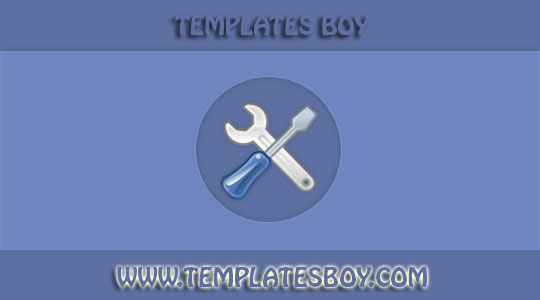
How to Delete Rid Of Pliers and Screw Drivers on the Blog - Tang and screwdriver will appear on the blog homepage if we are logged in, its function is to quickly edit directly on your blog.
Actually this function is also important when we want to edit quickly, by clicking on the icon button we are directed to the page element that will be edited.
But there are also blogger users who do not like the look of the pliers and screwdrivers, to eliminate them the way is quite easy, please follow the steps below.
1. Login to the Blog
2. Enter the Template menu
3. Edit HTML
4. Search for code ]]></b:skin> or </style>
Enter the following CSS code just before the code ]]></b:skin> or </style>
.quickedit{
display:none;visibility:hidden;}
5. Save the template and see the results.
May be useful.
Source : Share with your friends & your family!

Comments
Post a Comment